Blog Filters:
-
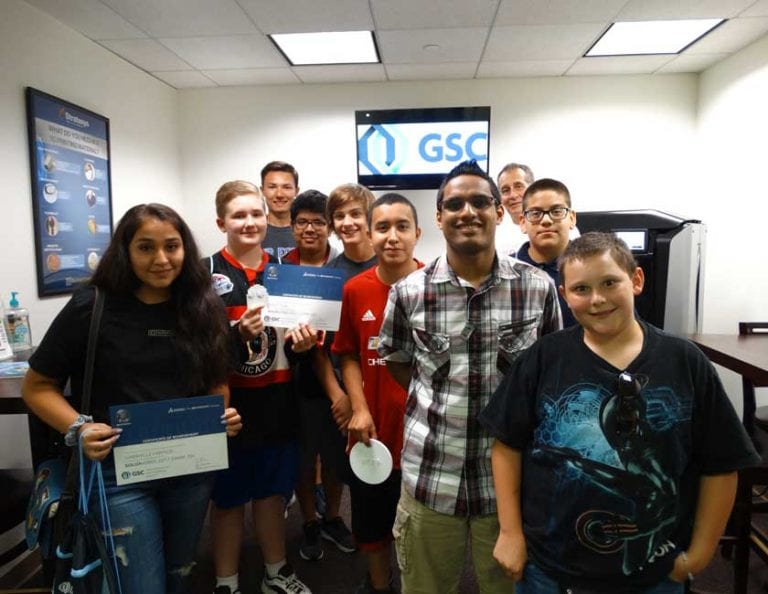
10 Reasons Why You Should Send Your Teenager to Camp 3D!
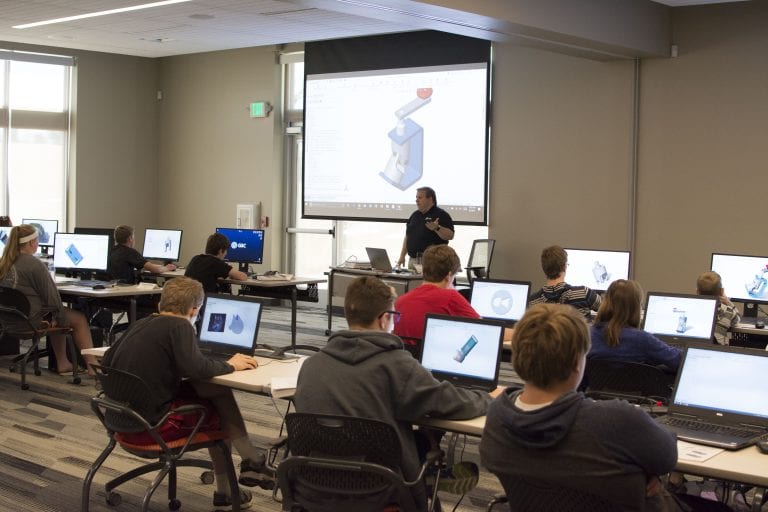
Is it possible to learn and have fun at the same time? According to last year’s GSC Camp 3D! attendees, the answer is a resounding…YES!
-
SOLIDWORKS 2018: Sketch Mirror Enhancements
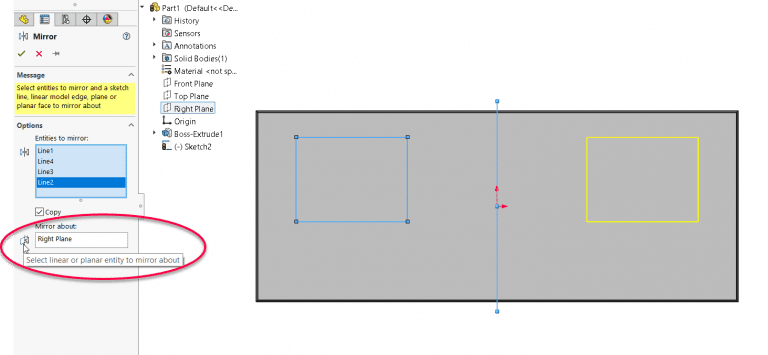
SOLIDWORKS 2018 has some great enhancements for mirroring in both 2D and 3D sketches.
-
SOLIDWORKS 2018: Bounding Box Function Now Available in Any Part
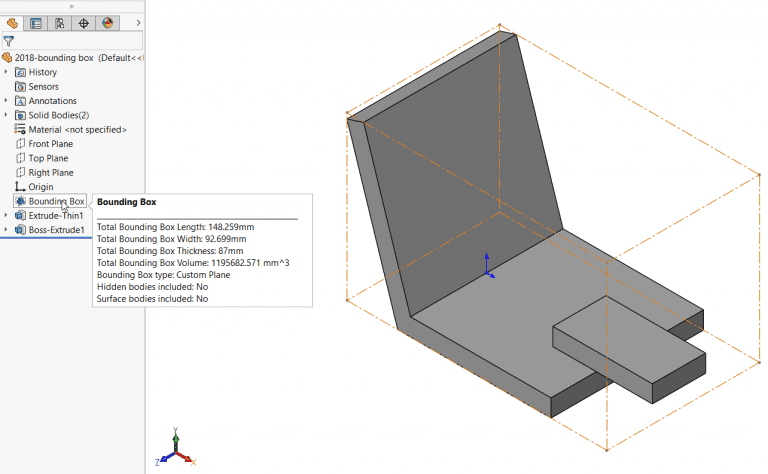
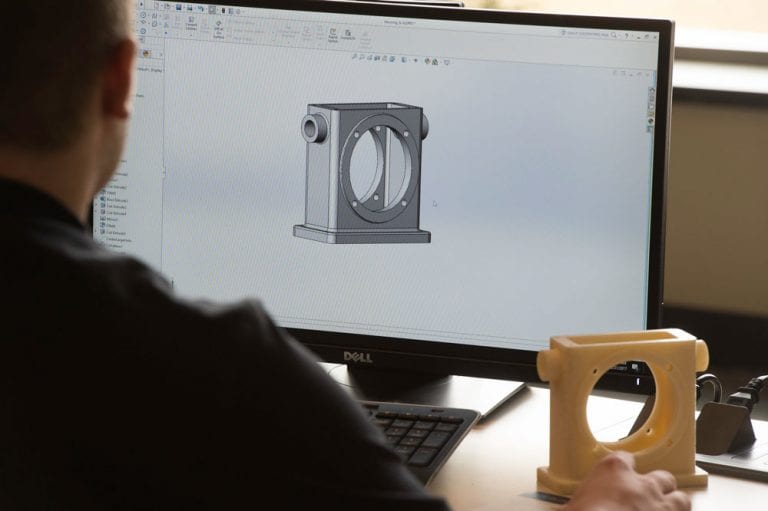
In SOLIDWORKS 2018 we can create a Bounding Box for any part, not just weldments.
-
Back by Popular Demand: Camp 3D! Returns Summer 2018
Back by popular demand, GSC will bring back its educational outreach program for students in grades 7-12 — Camp 3D!
-
The Future is STEM: Judging the IDEA Regional Design Competition
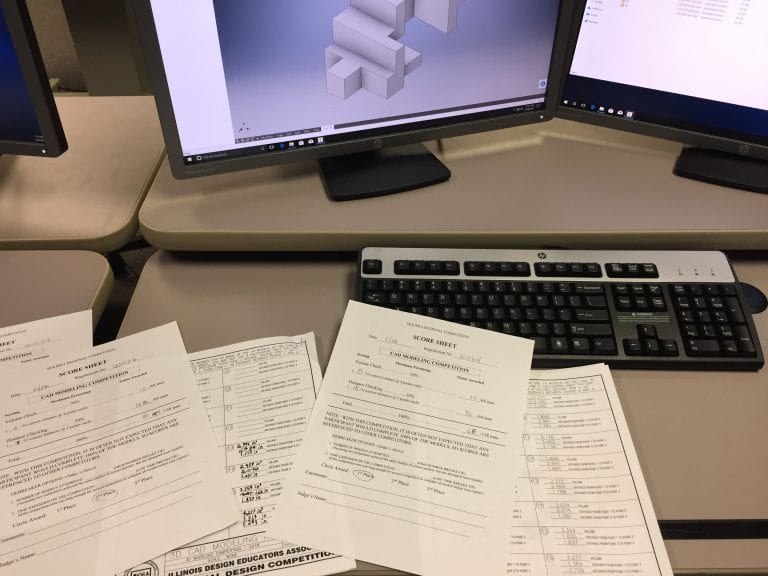
Don’t let anyone tell you there’s “something wrong with kids these days!”
-
Best Practices for SOLIDWORKS Motion Analysis
SOLIDWORKS motion analysis uses the assembly mates along with part contacts and a robust physics-based solver to accurately determine the physical movements of an assembly under load. But, how do you know if you’re making the most out of this powerful tool?
-
Top 10 Favorite Features in SOLIDWORKS 2018
Our technical experts have each selected their favorite features in SOLIDWORKS 2018.
-
GSC Earns Elite 190 Club Award for 14th Consecutive Year
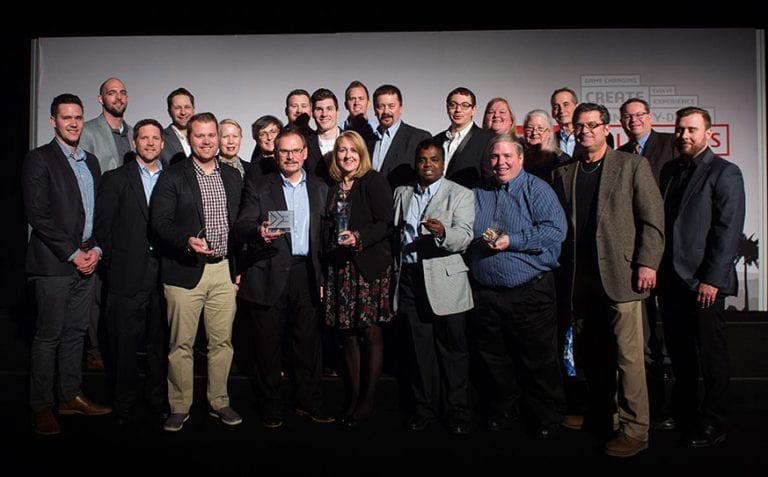
GSC honored to received “Elite 190 Club Award” from Dassault Systèmes SOLIDWORKS Corp. for the 14th consecutive year.
-
SOLIDWORKS Subscription Service Benefit: Free Certification Exams!
Learn how to access your SOLIDWORKS Subscription Service added benefit – vouchers for free SOLIDWORKS Certification Exams.
-
SOLIDWORKS Installation Roadmap
When installing SOLIDWORKS for the first-time or updating to a new software version, there are several things to consider to ensure your installation goes smoothly. We’re here to help you along the way.
-
Join Us for GSC Expert Sessions at SOLIDWORKS World 2018
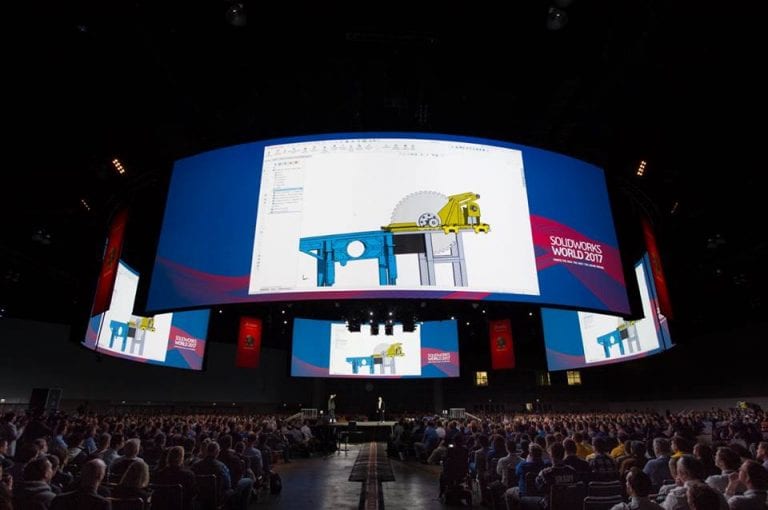
With SOLIDWORKS World 2018 just days away, the excitement is building at GSC! Two of our experts will also share their SOLIDWORKS knowledge with attendees as presenters for three sessions.
-
Design Inspiration – Less Is More: Dieter Rams
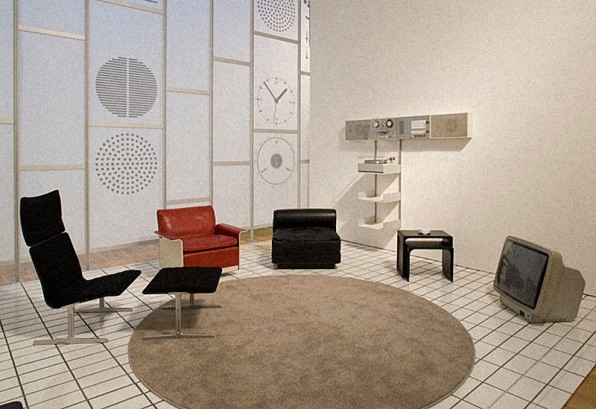
Taking design inspiration from Dieter Rams and his Ten Principles for Good Design.
-
Technical Support FAQ: Upgrading SOLIDWORKS
Upgrading SOLIDWORKS installations is generally straightforward, but there are different approaches to the upgrade based on your situation.
-
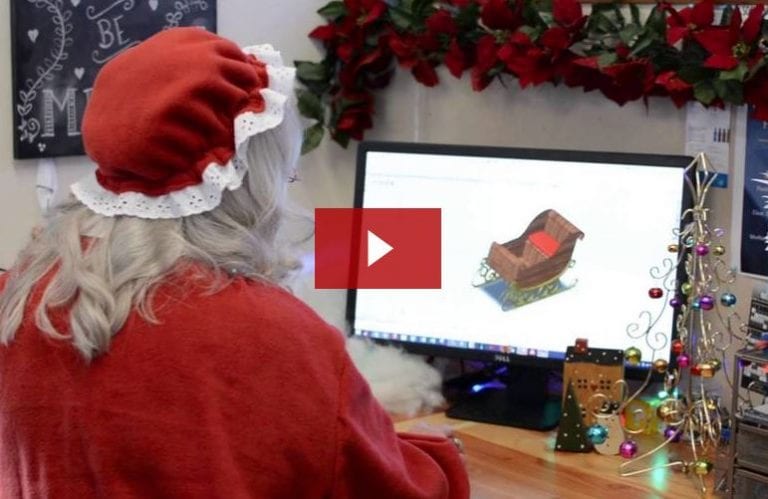
Upgrading Santa’s Sleigh with SOLIDWORKS
Envious of all the new vehicle comfort and safety features, Mrs. Claus decided to upgrade Santa’s sleigh just in time for Christmas.
-
How to Become a SOLIDWORKS Superhero [e-book]
Most superheroes discover their new found superpowers after a freak accident, but not you.
-
PDM Professional API, What’s New in 2018
With each year’s rollout of SOLIDWORKS, what’s new in the API often gets overlooked or relegated to footnotes, so it is about time to have an entire series of blog…
-
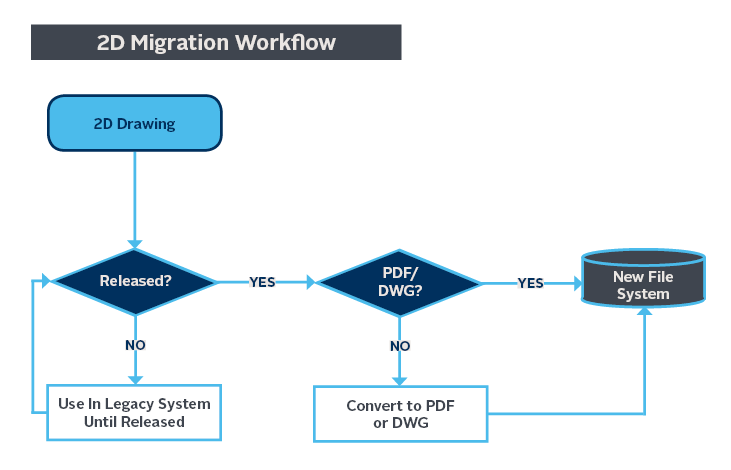
Strategies for Data Migration Between CAD Systems
Migrating to a new CAD system can seem complex, but it comes down to managing two things: data and people.
-
What Did You Do on YOUR Summer Vacation?
Ah, those hazy, lazy days of summer. No school. Family vacations. Swimming pools. Warm nights and the sensory medley of fresh-mown grass, fireflies, and cicadas.
-
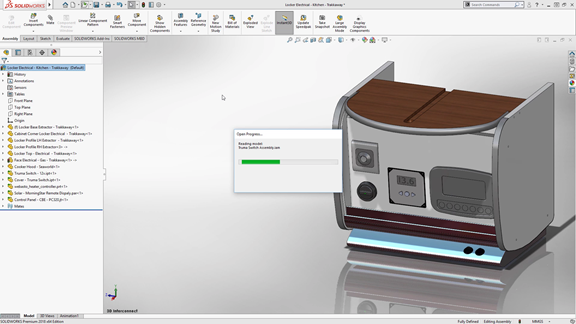
Say Goodbye to Import Diagnostics with SOLIDWORKS 2018
SOLIDWORKS 2018 is loaded with awesome new features, including improvements to its popular 3D Interconnect functionality.
-
SOLIDWORKS 2018 is Here! See the New Features
From a more intuitive user interface to improved sheet metal design tools, many of the new enhancements and improvements were added based on your requests.
-
Break Out of the Bubble: Changing CAD Systems is Easier Than You Think [e-book]
Do you feel like you’re in an ocean of SOLIDWORKS resources and talent, yet you’re enveloped in a bubble by your MCAD system? Stop letting your system prevent you from leveraging the resources and talent around you.
-
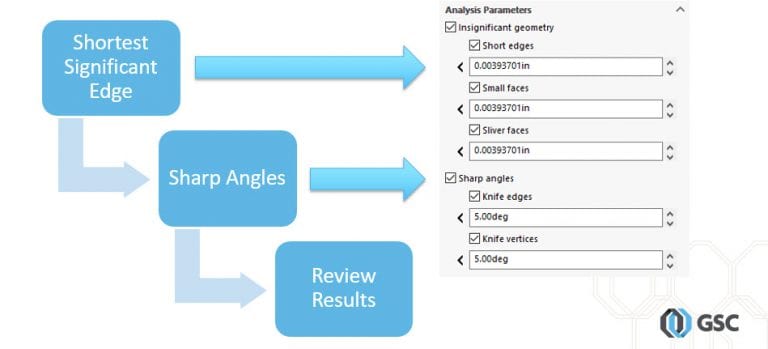
Troubleshoot Meshing with SOLIDWORKS Geometry Analysis Tool
Use the SOLIDWORKS Geometry Analysis tool to determine areas in your model that might cause meshing problems.
-
Designed in SOLIDWORKS: Solar Filters for Binoculars
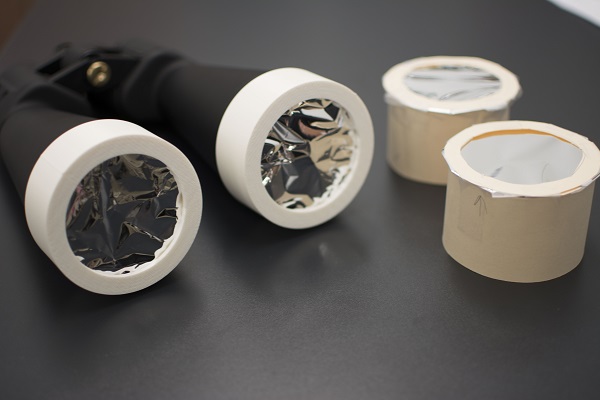
Create your own solar filters for binoculars using SOLIDWORKS and a 3D printer, and get a close-up view of the August 21 solar eclipse.
-
SAS Forks – Simulation Success Story
When SAS Forks experienced an issue with a prototype of their EXTREME Auto Processor, they turned to SOLIDWORKS Simulation to identify and correct the deficiency in the design.



SOLIDWORKS Webinars & Power Hours