Blog Filters:
-
Capture the Stars with SOLIDWORKS
With SOLIDWORKS you can conquer any design challenge — even when they’re personal.
-
GSC, SOLIDWORKS, & EAA Partnership Delivers SOLIDWORKS to Members
GSC has again partnered with the Experimental Aircraft Association (EAA) and Dassault Systèmes SOLIDWORKS to offer EAA members free access to the SOLIDWORKS Student Design Kit- EAA Maker Edition.
-
Function Better: Shift to SOLIDWORKS Keyboard Shortcuts
Do you want to work faster in SOLIDWORKS? Then, look no further than the SOLIDWORKS keyboard shortcuts.
-
What is the Best Computer Hardware for SOLIDWORKS?
The answer to this question varies somewhat on the type of things you design, but mostly the variability comes from time – as in, its passage.
-
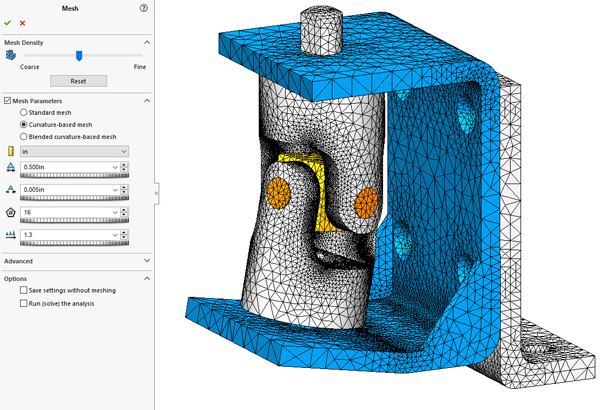
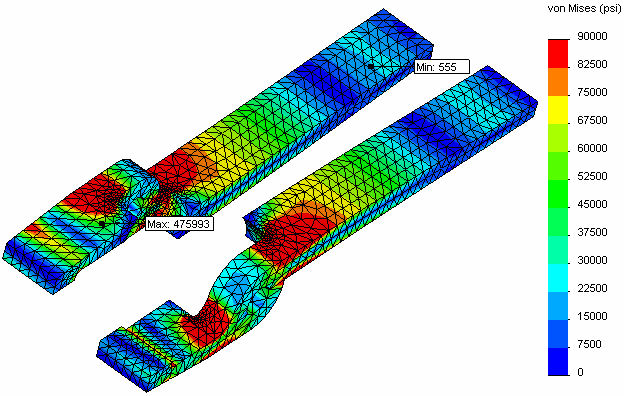
Who Needs Mesh Controls Anyway?
Optimize the quality of your mesh with the global mesh settings.
-
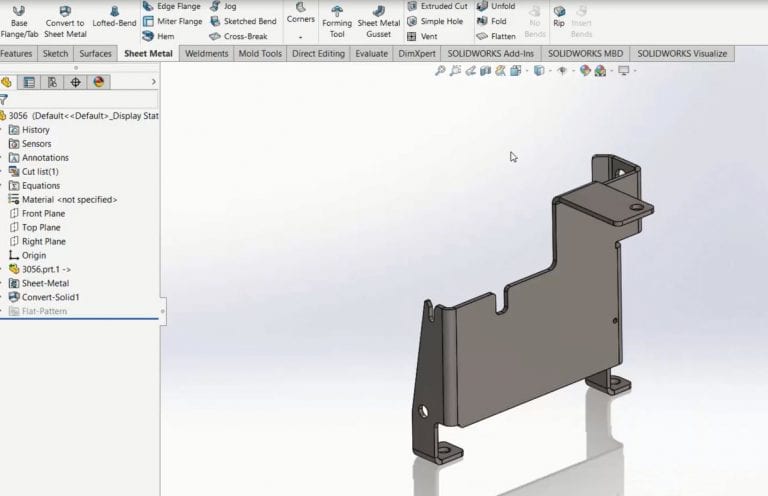
Using SOLIDWORKS 3D Interconnect with Sheet Metal Parts
The new 3D Interconnect functionality introduced in SOLIDWORKS 2017 is useful when working with a variety of native non-SOLIDWORKS files, including parts that are ultimately sheet metal in nature.
-
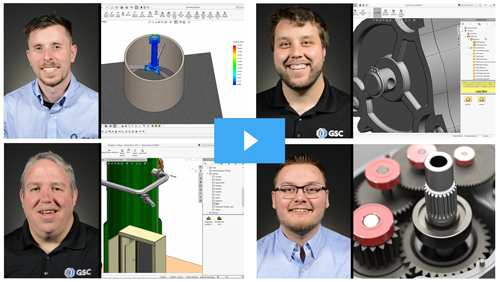
Experience All the Benefits of a Complete 3D Design Solution
To learn more about the features in SOLIDWORKS Premium, see what our experts have to say.
-
GSC Named 2016 Germantown Business of the Year
GSC is honored to be recognized as the 2016 Business of the Year by the Germantown Chamber of Commerce.
-
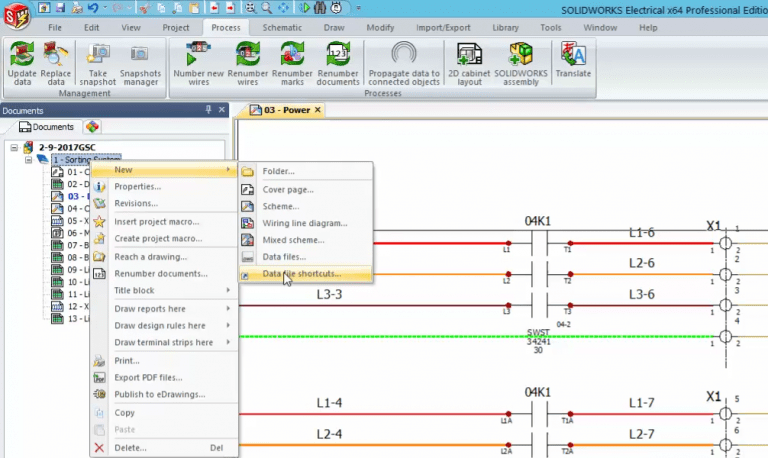
SOLIDWORKS Electrical 2017: Data Files Shortcut
When using data file shortcuts in SOLIDWORKS Electrical 2017, all of your reference documentation can now be a live link that stays up to date.
-
5 Best Practices for Successful Product Development & Innovation
Successful product development and innovation goes far beyond designing something you think is cool.
-
SOLIDWORKS Electrical 2017: Propagate Data to Connected Objects
A powerful numbering scheme in SOLIDWORKS Electrical 2017
-
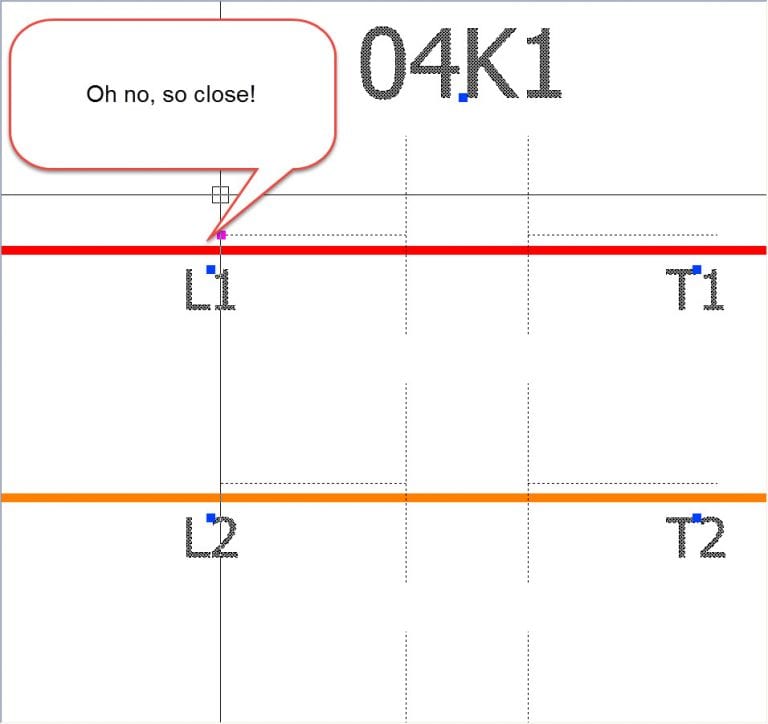
SOLIDWORKS Electrical: Connection Dots
No need to lament any further over missed connections, thanks to these SOLIDWORKS Electrical new features.
-
SOLIDWORKS Simulation: Getting Started
Those new to SOLIDWORKS Simulation tend to look for the “easy” button. While the software can be easy to use, if it knew exactly what we wanted and how to do it we’d likely be out of jobs.
-
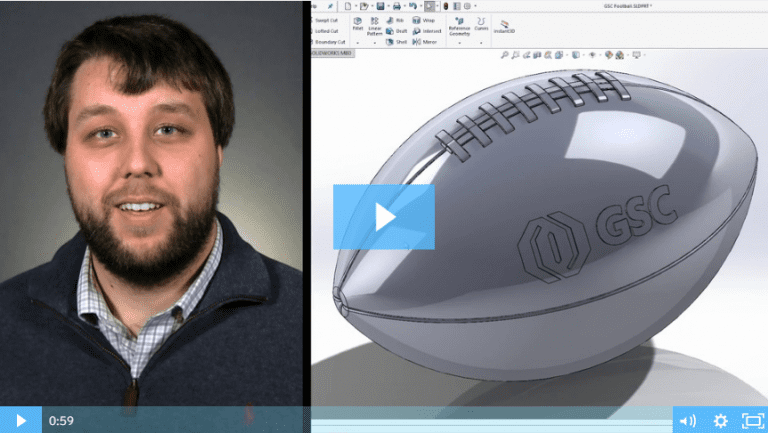
SOLIDWORKS 2017: Wrap Feature
Watch and learn how to use the new and improved wrap feature in SOLIDWORKS 2017.
-
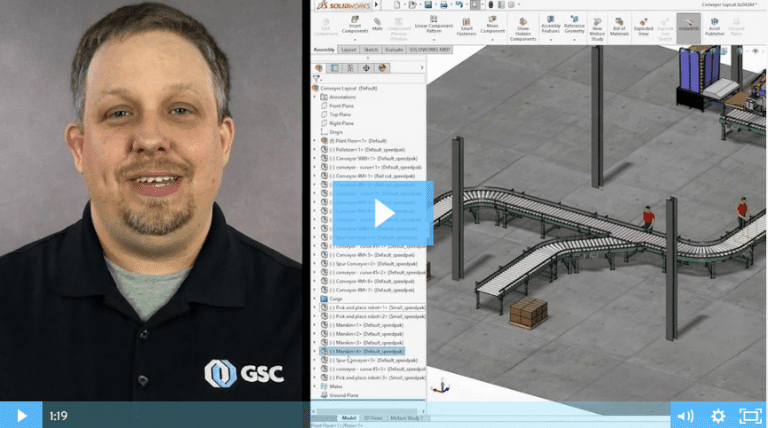
SOLIDWORKS 2017: Magnetic Mates
SOLIDWORKS 2017 introduces magnetic mates, a real game-changer when working with large assemblies.
-
We Have the Best Customers, Hands Down
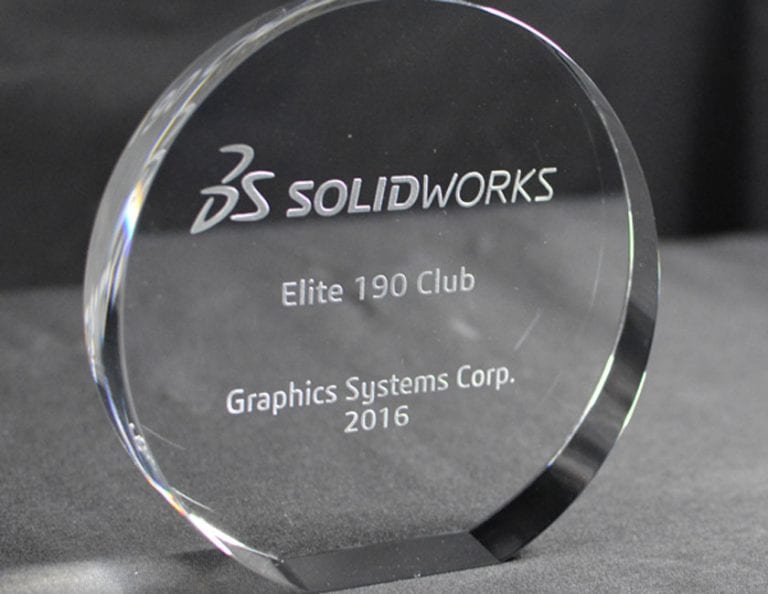
It’s because of you that we get to do what we love – serving our customers and helping fuel your success. And, because of you, GSC was honored to receive the “Elite 190 Club Award” from Dassault Systèmes SOLIDWORKS Corp. for the 13th consecutive year.
-
5 Habits Of Successful SOLIDWORKS Power Users
We all get busy and when you’re rushing to get a job completed, it’s easy to form some bad SOLIDWORKS habits along the way. We polled some of our power users to see what helped them break the bad habits and increase their efficiency in SOLIDWORKS.
-
Top 5 Best Practices for a Seamless CAD Implementation
Over my 37+ years in manufacturing, I have overseen several CAD system implementations and optimizations within a global environment. Some have gone smoother than others, but I’ve learned a lot of great lessons along to help you get the most value out of your CAD system.
-
SOLIDWORKS 3D Interconnect: Seamless Collaboration Between CAD Platforms
3D Interconnect is a revolutionary technology that allows a SOLIDWORKS user to directly open files and use models from other native CAD systems in their native format.
-
The General Process of Fatigue Analysis
Running a fatigue analysis is becoming a growing trend in mechanical parts and assemblies.
-
Removing Interfering Material In A SOLIDWORKS Assembly
From my product designer’s perspective, one of the most useful functions in a 3D solid modeler such as SOLIDWORKS is the ability to check for potential interferences in their still-virtual assembly.
-
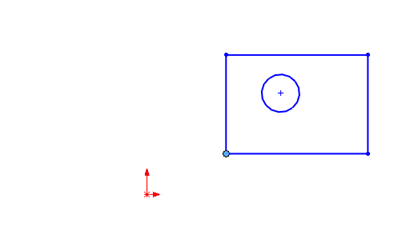
Use SOLIDWORKS Align Sketch Tool to Move Underdefined Sketch Elements to the Origin
While production models should generally have fully defined sketches, sometimes you just want to make all the elements in an underdefined sketch move to the origin, such as when working with imported or copied geometry. There is an easy way to do this in SOLIDWORKS, you just have to know where to look.
-
SOLIDWORKS Electrical Time Savers
These SOLIDWORKS Electrical tips will save you time over the long haul.
-
SOLIDWORKS Electrical: The Ins & Outs of Connection Labels
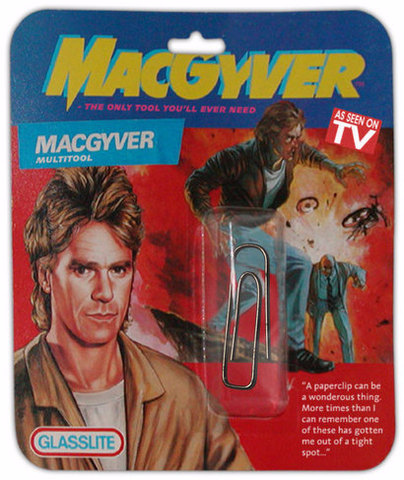
SOLIDWORKS Electrical Connection Labels may just make you feel a little more like MacGyver. That is, if he had access to a Swiss Army knife instead of a wad of gum and a paper clip.






SOLIDWORKS Webinars & Power Hours